Separate Base64 Text From a Data URL Header
Identify the media-type prefix, optional base64 marker, and payload before decoding or storing an image string.
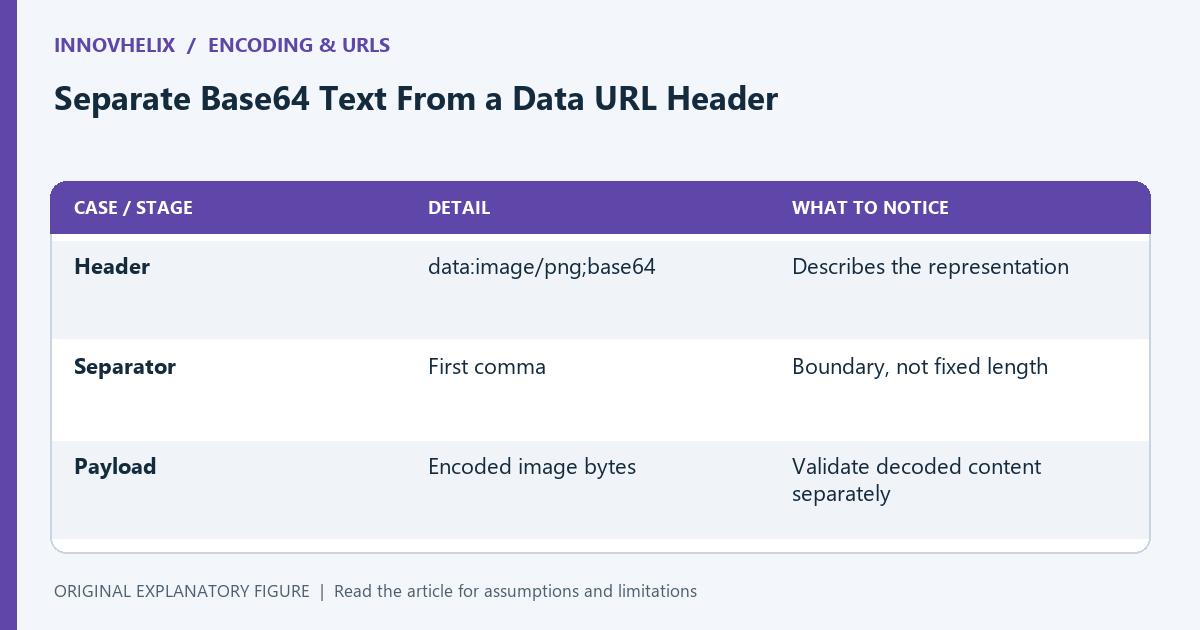
An image copied as a data URL contains more than Base64 characters. The prefix describes how to interpret the payload, and the comma separates metadata from data. Treating the whole string as plain Base64 can fail or hide the distinction between media type and actual bytes. This guide uses a synthetic image representation and keeps display, decoding, and validation as separate tasks.
Identify the comma boundary
A Base64 data URL can have the form data:image/png;base64,... where the data follows the first comma. The prefix is not part of the Base64 payload. Record it separately before passing the payload to a decoder.
Do not remove a fixed number of characters. Different media types and parameters produce different prefix lengths. A parser should recognize the supported form rather than assume every input is a PNG with an identical header.
Check whether the representation is supported
Not every data URL is Base64 encoded. The base64 marker describes that form; other data URLs can use a different encoding. Decide which forms your application accepts and reject unsupported ones clearly.
A media type in the header is a declaration, not proof that the bytes match it. If you need image validation, inspect the decoded data through an appropriate image parser. A string beginning with image/png can still contain invalid or unrelated content.
Keep bytes separate from JavaScript text
Base64 commonly represents arbitrary bytes. JavaScript btoa accepts a binary-string representation, not arbitrary Unicode text directly. For text, choose an explicit character encoding such as UTF-8 before creating the byte sequence.
Do not run a decoded image through text normalization or line-ending cleanup. Those operations can change binary content. Keep the media header, encoded payload, and decoded bytes as separate representations in the diagnostic note.
Compare storage and display requirements
A database field expecting bare Base64 should not receive the full data URL unless its contract allows it. Conversely, an image element using a data URL needs the appropriate prefix. Name the representation in the field or API documentation.
Use a small fixture and compare byte length after decoding. The Base64 string is typically longer than the binary data, and the header adds more text. Do not confuse serialized string length with image dimensions or decoded file size.
Test the boundary with synthetic inputs
Include a supported data URL, a bare payload, an unsupported media form, and malformed data. Write expected behavior for each. The goal is predictable acceptance or rejection, not silently stripping anything before a comma and hoping it decodes.
Use the Base64 tool for a payload inspection and retain the header in your notes. Verify the actual consuming code separately. A valid Base64 decoding result does not establish a valid image, a safe upload, or the correct representation for every endpoint.
| Case or stage | Detail | What to notice |
|---|---|---|
| Header | data:image/png;base64 | Describes the representation |
| Separator | First comma | Boundary, not fixed length |
| Payload | Encoded image bytes | Validate decoded content separately |