JSON Formatter & Validator
Make a compact JSON payload readable and identify invalid syntax.
Open toolA thoughtful workbench for everyday developer tasks. Format JSON, test a pattern, decode a value — then understand the edge cases behind the result.
{
  "project": "your next idea",
  "workflow": {
    "format": true,
    "understand": true,
    "ship": "with confidence"
  },
  "data_uploads": 0
}Common tasks, deliberate controls and results you can inspect.
Make a compact JSON payload readable and identify invalid syntax.
Open toolInspect JavaScript matches, capture groups and start indices before using a pattern in code.
Open toolConvert Unicode text to standard Base64 or Base64url and inspect UTF-8 text encoded in either format.
Open toolGenerate a SHA-256, SHA-384 or SHA-512 fingerprint of entered UTF-8 text.
Open toolCreate a five-color starting palette and test a specific text/background contrast pair.
Open toolTurn a header-based CSV, semicolon-separated or tab-separated table into JSON objects without losing cell spelling.
Open toolUnderstand structured payloads, preserve types and diagnose request failures.
Tools & guides →Test JavaScript patterns, interpret matches and handle failure cases.
Tools & guides →Convert UTF-8 text and navigate the boundaries of URL and Base64 formats.
Tools & guides →Compare text fingerprints and choose identifiers with clear limits.
Tools & guides →Create palettes, test contrast pairs and define component states.
Tools & guides →Inspect time values, convert tabular data and build reproducible fixtures.
Tools & guides →Use a tool for the immediate task. Use a guide to check the assumptions. Return to your project with a reproducible example.
Browse the field guides →Find the utility that answers your actual question.
Load an example or paste a synthetic fixture. Read validation before copying output.
Follow the linked guide for precision, encoding, timezones or accessibility.
Inspect JSON shape, distinguish syntax from contract errors and compare a small failing fixture.
Follow the API workflow →Handle CSV quoting, preserve leading zeros and define types before sending JSON to an endpoint.
Review data conversion →Create a small palette, check real contrast pairs and keep focus and error states understandable.
Plan component states →Tools process the input on your device. This build has no analytics, external fonts, cookies, payload storage or conversion backend.
The hosting service still receives page requests. Copying uses your system clipboard; downloading saves a file on your device. Extensions and shared screens operate independently of this site.
Read the privacy details →An editorial selection, without invented traffic or popularity claims.
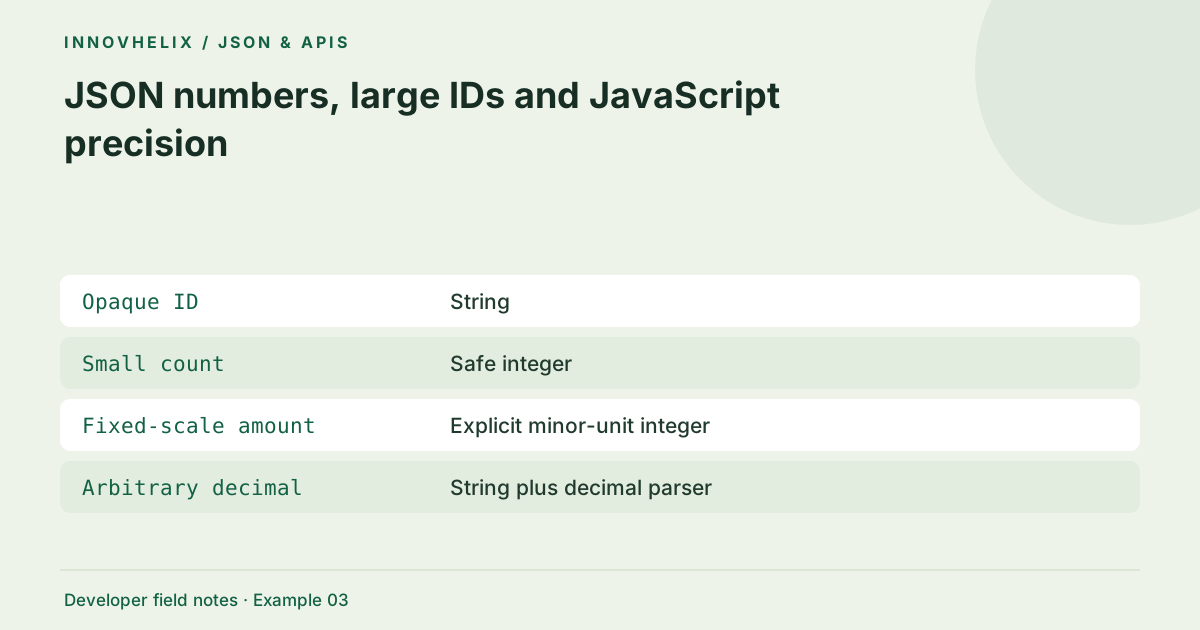
Avoid corruption of large numeric identifiers.
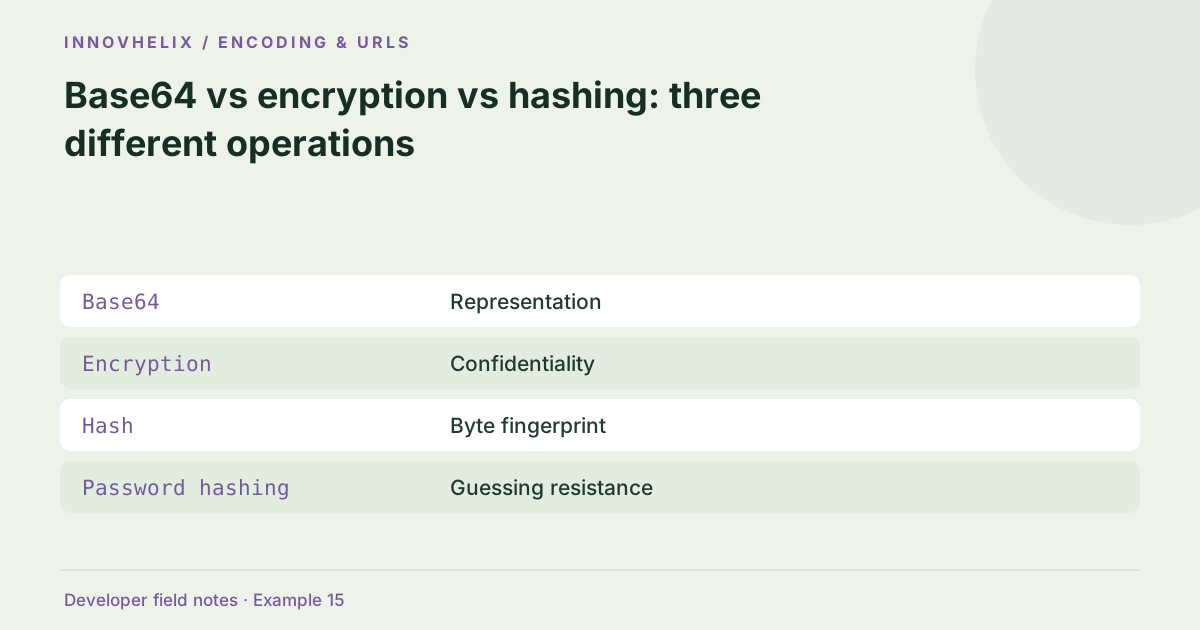
Read guide →Choose encoding, encryption or hashing.
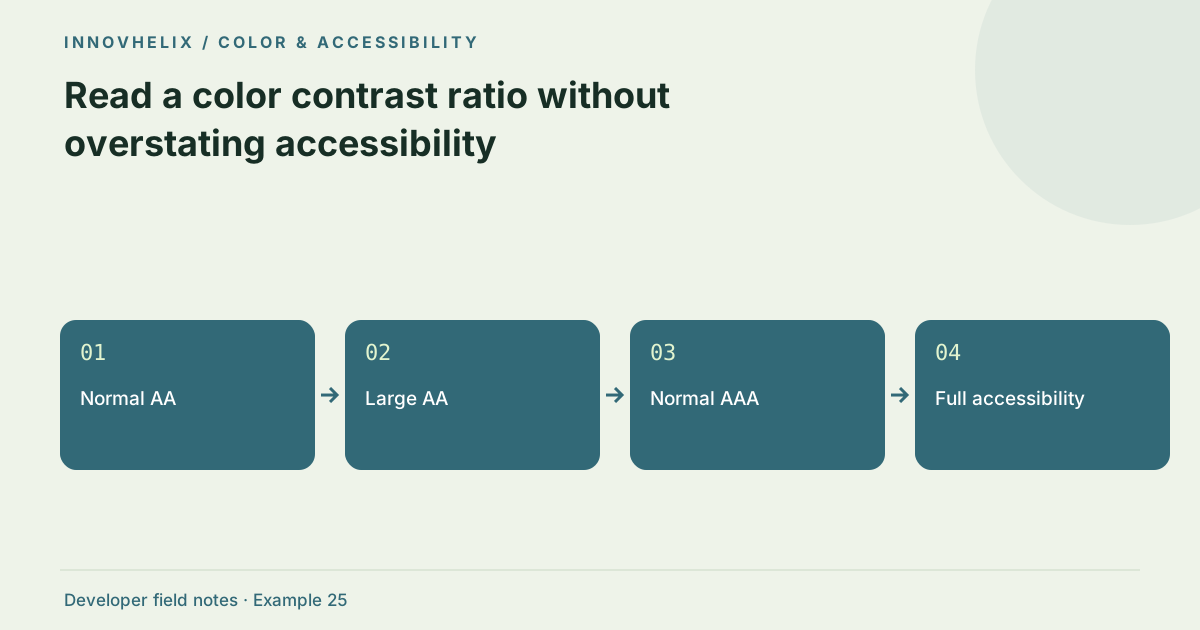
Read guide →Interpret WCAG color contrast checks.
Read guide →Initial collection published October 4, 2026.
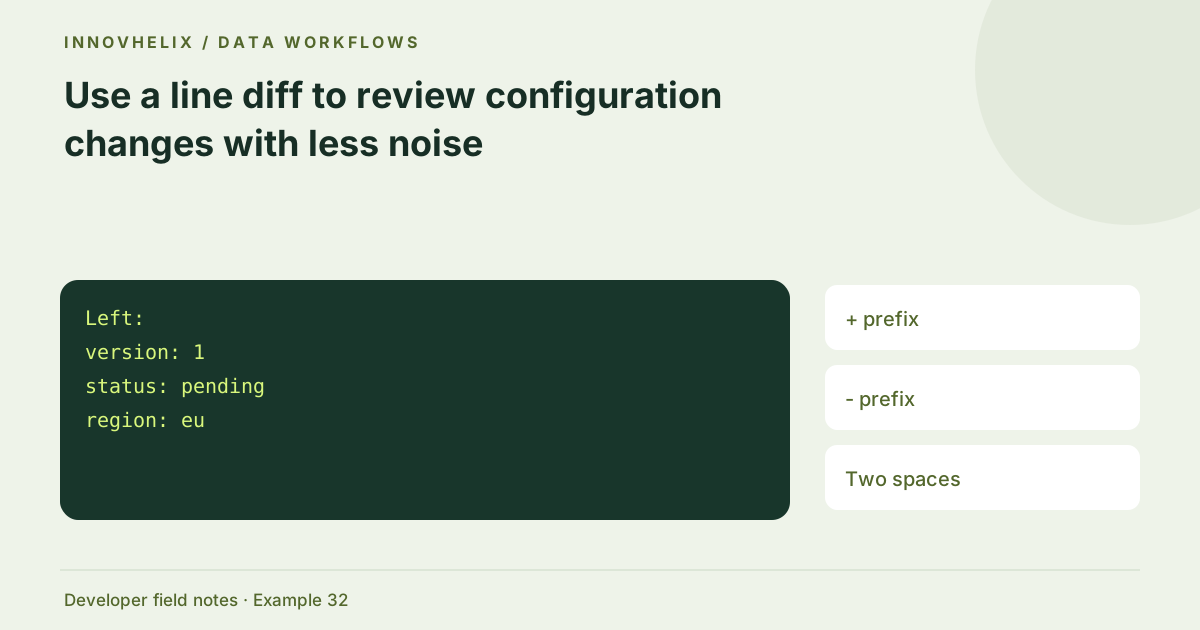
Compare two configuration versions.
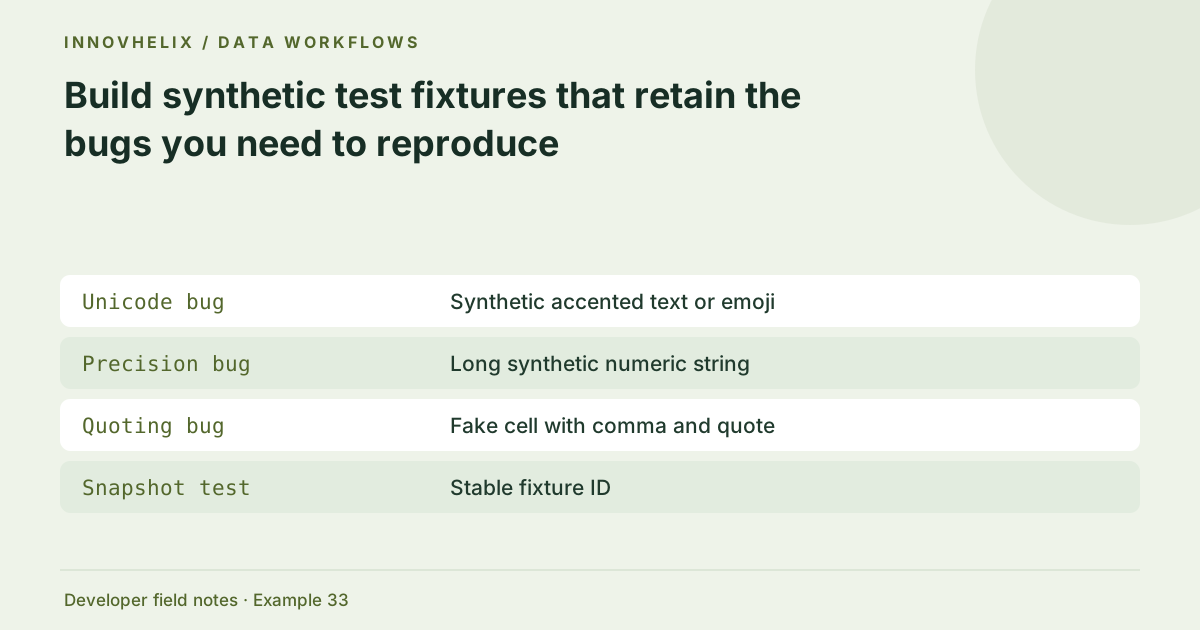
Read guide →Create safe representative developer fixtures.
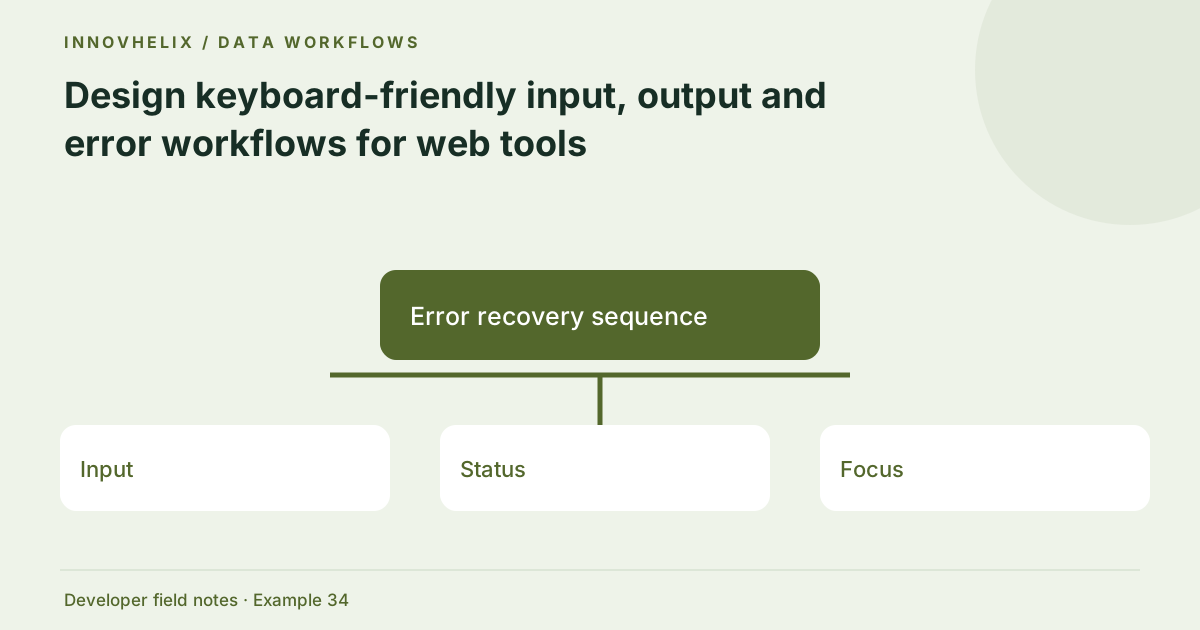
Read guide →Make browser utilities usable with keyboard and assistive technology.
Read guide →No. All ten tools are available without registration or payment.
Once a tool page and its JavaScript have loaded, most computation is local. Navigation and page reloads still need hosting access; this build does not include an offline cache.
No. Syntax validity, data fidelity and application correctness are separate checks. Each tool explains its scope and links to relevant guides.
The Web Crypto digest API requires a secure context such as HTTPS or localhost. Deploy this site with HTTPS.
No. They provide practical examples and decision checks, with links to the underlying documentation. Test your actual runtime before adopting a pattern.
InnovHelix is a static developer utility project built around one idea: everyday tools become more useful when their assumptions are visible. Its workbench and field guides are designed to be useful without advertising. There are no fabricated reviews, team biographies or credentials.
Meet the project →