Create and compare SHA-256 checksums for text fixtures
A checksum answers whether bytes agree with a reference under a chosen algorithm. This tool hashes entered text as UTF-8, making it useful for snippets and fixtures. It is not a file uploader or a signature verifier. For an original file’s byte-exact digest, use a local file checksum tool rather than copying visible text into a browser.
Try the SHA Hash Generator with the synthetic example below. Processing stays in your browser; the guide explains what the result can and cannot establish.
Worked example: known vector
Use this exact sample to isolate the behavior discussed above. Keep the operation and options with the sample when reporting a result; changing the input representation can change what the test demonstrates.
Input or question
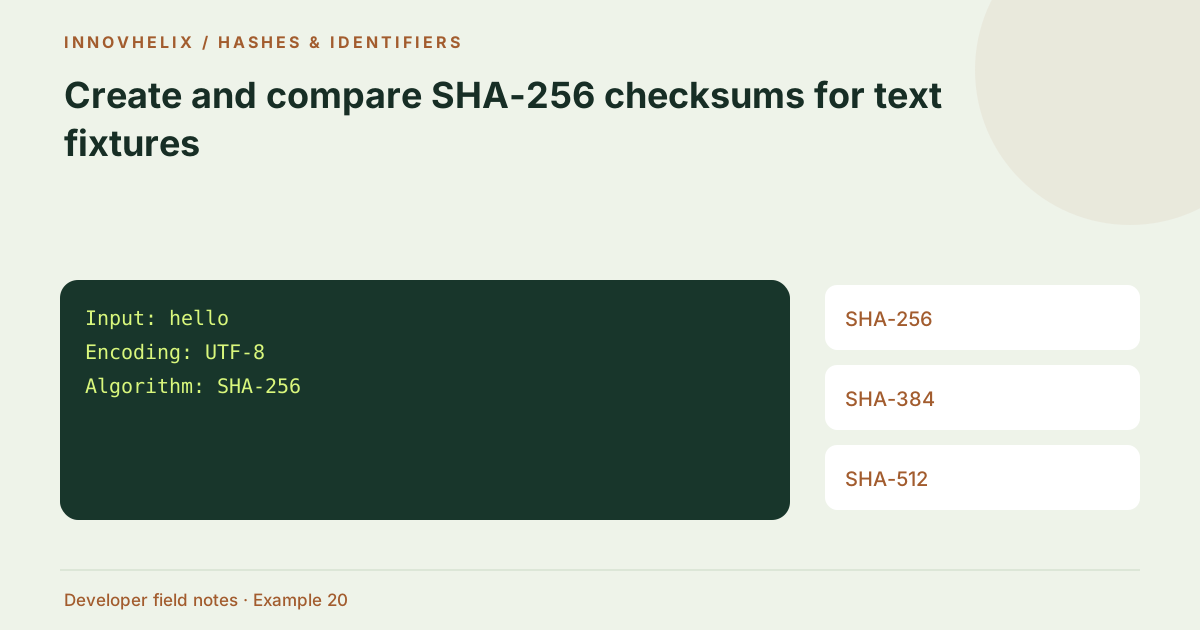
Input: hello
Encoding: UTF-8
Algorithm: SHA-256
Expected result or interpretation
2cf24dba5fb0a30e26e83b2ac5b9e29e1b161e5c1fa7425e73043362938b9824A short input produces a full-length digest
Hash the empty string and then a single letter using SHA-256. Each output has 64 hexadecimal characters, just like the digest of a long fixture. The output length is fixed by the algorithm, not the input. This is useful when validating output shape, but it does not reveal how much content was hashed. Keep an empty-input test because emptiness can be an intentional fixture or an accidental input-clearing defect. The tool accepts it as a legitimate byte sequence. The application using the digest must decide whether an empty source is permitted and should assert that condition separately from checking the digest’s length or hex alphabet.
Define the input representation
Record the algorithm, encoding and whitespace policy with the expected digest. The generator uses UTF-8 and adds no byte-order mark. SHA-256 produces 32 digest bytes, displayed as 64 lowercase hexadecimal characters. The digest length does not reveal input length. A useful fixture definition specifies whether a final newline is present and whether line endings are LF or CRLF.
Get the reference through a trusted channel
A digest is useful for integrity when the expected value is trustworthy. If an attacker can replace both a download and its listed checksum, matching them does not establish safety. For a repository fixture, keep the expected value with the test and state the canonical input. For a download, follow the publisher’s verification procedure. A plain hash does not independently prove who created the content.
Keep transformations visible
Whitespace, line endings and Unicode composition all affect UTF-8 bytes. Editors and browser text controls can normalize some of these. Hash the original file directly when the expected value refers to storage bytes. Do not trim text just to force a match unless a documented canonicalization scheme says to do so. A mismatch is evidence to investigate rather than an instruction to normalize arbitrarily.
Compare the complete value
Use the full digest, not a short visual prefix. Hex letter case can be normalized for textual comparison, but every digit must agree. A mismatch does not identify the changed byte; use a diff or byte inspector to find it. Select SHA-256, SHA-384 or SHA-512 according to the consuming workflow and retain the algorithm name with the output. Hashing requires a secure browser context on this site.
Create a reproducible checksum record
Keep the exact fixture content, algorithm, encoding and expected digest together. Include whether the final newline exists. For a text fixture in code, an escaped string can make that boundary clearer than a rendered paragraph. Run the same fixture through the target application implementation and the browser generator, then compare complete digests. A known vector such as hello helps distinguish an implementation failure from a misunderstood source representation.
Do not turn a checksum comparison into a claim that a file is harmless. Equal bytes can still be unsafe if the reference content was unsafe. Likewise, a mismatch can result from a harmless formatting change rather than an attack. Interpret the result according to the source and workflow. For a download, follow the publisher’s documented algorithm and trusted reference route. For a configuration fixture, use the diff tool to locate text changes after preserving originals. For an arbitrary file, use a local command that reads raw bytes; a copied textarea value is a different artifact. A good report states precisely what was hashed so someone else can reproduce the value without guessing. This is the difference between a useful integrity observation and a long hexadecimal string with no context.
For team handoffs, include an escaped preview of short source text. That removes uncertainty about a final terminator without requiring someone to infer invisible bytes from a screenshot.
Verification cases
- Exact hello without newline: Matches the known SHA-256 vector.
- hello followed by newline: Produces a different digest.
- SHA-384 selected: Compare against a SHA-384 reference, not SHA-256.
Decision reference
| Case | Meaning or choice | What to do with it |
|---|---|---|
| SHA-256 | 64 hex characters | 32 bytes |
| SHA-384 | 96 hex characters | 48 bytes |
| SHA-512 | 128 hex characters | 64 bytes |
| Reference digest | Trusted expected value | Not sender authentication |
Before you use the result
- Define encoding and newline policy.
- Compare the whole digest.
- Use original-file tools for file verification.
- Check the source of the expected checksum.
Continue the workflow
Why identical-looking text produces different hashes addresses diagnose checksum mismatches. Hash vs HMAC vs signature: which question are you answering? addresses distinguish integrity from authentication.
Technical reference
Consult MDN browser API reference for the relevant underlying behavior or concept. Test the exact runtime used by your application when engine compatibility matters.
Corrections are welcome through Contact & feedback. Read our editorial policy for scope and limitations.