Unix seconds vs milliseconds: diagnose a timestamp unit mismatch
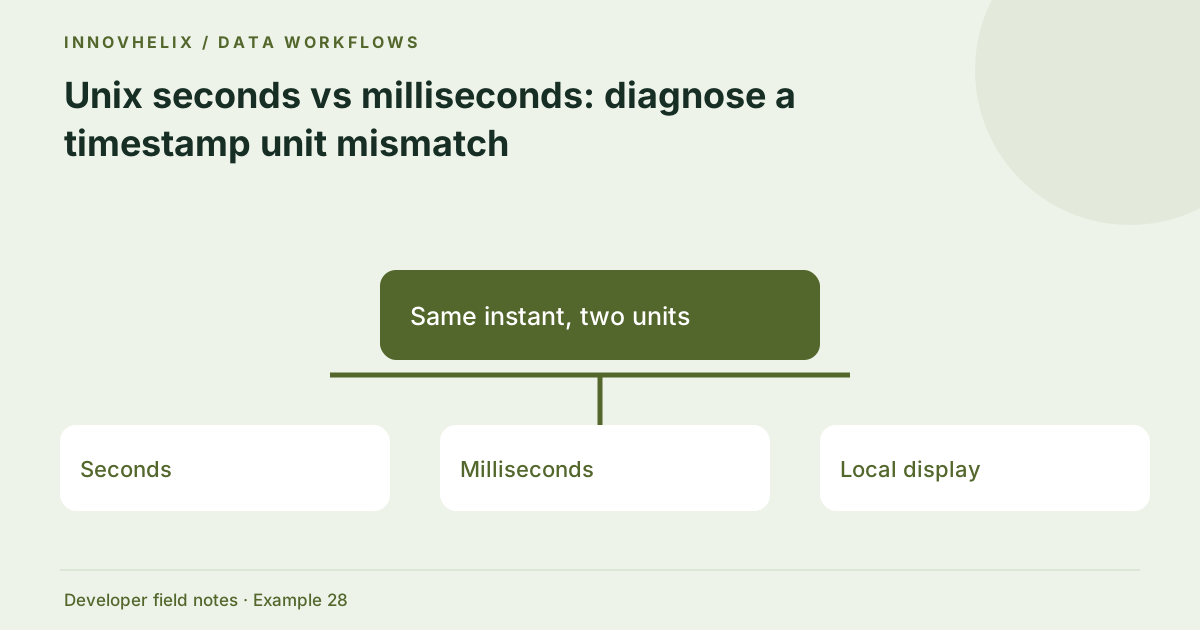
A timestamp that unexpectedly lands near 1970 often has the wrong unit. Many APIs use Unix seconds while JavaScript Date expects milliseconds. Values can look similar enough to be copied without context, so units must be explicit. Use digit count only as a clue for contemporary dates, not as a universal detection rule.
Try the Unix Timestamp Converter with the synthetic example below. Processing stays in your browser; the guide explains what the result can and cannot establish.
Decision reference
| Case | Meaning or choice | What to do with it |
|---|---|---|
| Seconds | Multiply by 1,000 for Date | Confirm API unit |
| Milliseconds | Native Date numeric unit | Do not multiply again |
| Local display | Device timezone | Same underlying instant |
| Nanoseconds | Different scale | Not accepted as milliseconds |
Define the epoch and unit
Unix time counts elapsed time from 1970-01-01T00:00:00Z. A millisecond count is a thousand times the corresponding second count. JavaScript Date accepts a millisecond value. Our converter makes you choose seconds, milliseconds or ISO input instead of silently guessing. Negative values can represent dates before the epoch, and fractional seconds can represent subsecond precision.
Interpret suspicious dates
Passing a current seconds value directly to new Date treats it as milliseconds and often yields a date in January 1970. Multiplying an already-millisecond value by 1,000 can push it far into the future or outside the supported range. The familiar ten-versus-thirteen-digit pattern is useful for current-era examples but fails for distant dates and negative timestamps. Verify the API documentation.
Keep timezone display separate
The numeric epoch value refers to an instant. Displaying that instant in UTC or the browser’s local timezone changes its calendar presentation, not the underlying time. The tool includes both displays and labels them. A local date around midnight may fall on a different calendar day from UTC. Do not change the numeric value merely to make the two labels match.
Check precision and boundary cases
JavaScript Date works at millisecond resolution and has a finite representable range. Sub-millisecond fractions are not preserved. Test zero, a negative value, a known date and the API’s real sample. Keep unit information in field names such as createdAtMs or in the contract. If a downstream system uses nanoseconds, do not feed that number directly into a millisecond converter.
Worked example: same instant, two units
Use this exact sample to isolate the behavior discussed above. Keep the operation and options with the sample when reporting a result; changing the input representation can change what the test demonstrates.
Input or question
Seconds: 1728000000
Milliseconds: 1728000000000
Expected result or interpretation
UTC: 2024-10-04T00:00:00.000ZFractional seconds expose the resolution boundary
The input 1.25 in seconds mode represents 1,250 milliseconds after the epoch and produces 1970-01-01T00:00:01.250Z. A fraction smaller than one millisecond cannot be preserved exactly by JavaScript Date. Use that distinction when an API reports microseconds or nanoseconds. Scaling the value correctly is necessary but not sufficient to retain its original precision. If exact sub-millisecond timestamps matter, keep a representation and library designed for them. The converter’s output should be used as a millisecond-level diagnostic view. Include a fractional fixture and an integer fixture so a later unit conversion does not silently drop a precision requirement that the API contract promises.
Use a known instant as a unit oracle
Keep one date whose expected UTC representation is already established. Feed its seconds and milliseconds forms through the converter with explicit modes and check that both produce the same instant. Also feed each through the wrong mode to demonstrate the failure signature. This helps a team recognize unit mistakes without treating digit count as an automatic parser rule.
When changing an API field from one unit to another, rename or version it where possible and update generated types, documentation and tests. A number type alone cannot express the scale. Store the unit in the contract even if current values have familiar lengths. Include zero and a pre-epoch negative value in conversion tests. For fractional seconds, state whether the consumer preserves milliseconds, rounds or truncates additional precision. This tool uses JavaScript Date resolution and does not represent arbitrary nanosecond values. Keep duration fields separate from instant fields as well: a duration of 1,000 milliseconds is not an epoch date. A timestamp label such as time is too vague when both concepts are present. The converter’s explicit output labels demonstrate a useful practice for diagnostic interfaces: show UTC and numeric units clearly, and identify local display as a presentation tied to the browser’s timezone.
Verification cases
- 0 seconds: 1970-01-01T00:00:00.000Z.
- -1 seconds: One second before the epoch.
- 1728000000 seconds vs 1728000000000 ms: Both represent the same instant.
Before you use the result
- Select the unit from the contract.
- Check zero and a known fixture.
- Keep UTC separate from local display.
- Label units in field names where possible.
Continue the workflow
ISO timestamps, timezone offsets and daylight-saving ambiguity addresses interpret iso dates with explicit timezone offsets. UUID v4 vs timestamp-based IDs: a requirement checklist addresses choose an identifier strategy.
Technical reference
Consult MDN browser API reference for the relevant underlying behavior or concept. Test the exact runtime used by your application when engine compatibility matters.
Corrections are welcome through Contact & feedback. Read our editorial policy for scope and limitations.