Build a small UI color palette from one seed color
A useful palette gives each color a role instead of merely producing an attractive strip. Start with one seed, create darker and lighter variants, then assign them to surfaces, borders and interactive elements. Check text contrast for each assignment. This tool uses simple RGB mixing, so the result is a starting point for review rather than a perceptually uniform color system.
Try the Color Palette & Contrast with the synthetic example below. Processing stays in your browser; the guide explains what the result can and cannot establish.
Worked example: palette roles
Use this exact sample to isolate the behavior discussed above. Keep the operation and options with the sample when reporting a result; changing the input representation can change what the test demonstrates.
Input or question
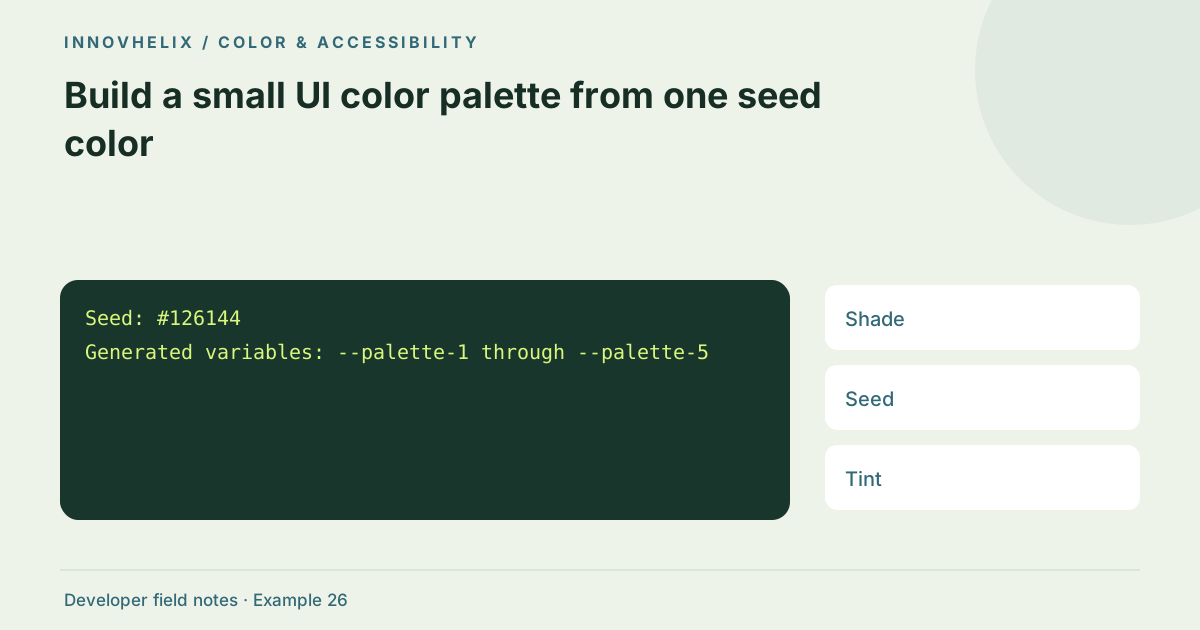
Seed: #126144
Generated variables: --palette-1 through --palette-5
Expected result or interpretation
Assign reviewed values to semantic roles such as --action-background and --surface-subtle.The seed must remain exactly identifiable
With seed #126144, the middle exported palette variable is #126144. The surrounding values are the two specified shades and two tints, not five unrelated random colors. Use that invariant when checking an export. If a designer adjusts the middle value manually afterward, record the revised palette rather than claiming it still represents an untouched seed. Map semantic roles after that revision and recalculate affected pairings. This keeps the tool’s deterministic generation rule separate from subsequent design judgment. A palette review should be reproducible from the seed and mixing rule, while a tuned design can honestly document its intentional departures from the generated starting set.
Generate a controlled starting set
The palette creates two darker shades by mixing toward black, preserves the seed and adds two lighter tints by mixing toward white. It interpolates encoded sRGB channels directly. That is predictable and easy to export, but equal steps are not equal perceived lightness. A green seed and a blue seed can produce different-looking progressions with the same mixing amounts.
Assign semantic roles after generation
Use dark variants for text or selected backgrounds only after checking the pairing. Lighter variants can support subtle surfaces; a middle tone may become a border or accent. Avoid naming tokens only after visual position if the design needs semantic roles. Keep primitive palette values separate from roles such as action-background and text-muted so a future theme can change them coherently.
Check real pairings instead of swatch appearance
A color that looks clear in a large swatch may be hard to read as small text. Pick foreground and background explicitly in the contrast fields, then inspect the ratio. Recheck hover, focus and disabled states. The swatch labels select black or white for preview readability, but that label choice is not a claim that your planned component passes every accessibility criterion.
Export and iterate in the UI
Download the CSS custom properties and place them in a development theme. Render representative controls, cards and notices before expanding the palette. Add a separate warning/error family if needed rather than overloading the brand color. Record which pairings pass the required threshold. A small documented palette is easier to maintain than dozens of one-off values with no agreed purpose.
Document successful pairings, not only generated colors
After generating the palette, create a pairing list for the actual component roles. Record which foreground is used on each background and the corresponding ratio. Keep rejected pairs too if they are tempting combinations that designers might reuse later. A beautiful set of swatches does not communicate which combinations are suitable for small text, borders or selected states.
Try the palette in a compact UI containing a primary action, secondary action, card, notice and error message. This reveals missing roles before the color inventory grows. Evaluate light surfaces under normal text and dark surfaces under the planned light foreground. For focus styling, check against both the control and surrounding page background. If the RGB interpolation produces uneven perceived steps, adjust or use a color model designed for perceptual editing in your own design process. The utility’s simple mixing rule is transparent, but it does not promise equal perceptual spacing. Keep exported primitives stable while semantic tokens carry meaning; a theme can then substitute values without requiring every component to know the palette index. This separates the generation convenience from the design decision. The result should be a small, reviewed system rather than a strip of five colors with assumed universal use.
Verification cases
- Dark shade with white text: Check the actual ratio before assigning an action role.
- Light tint with seed-colored text: Small-text contrast may differ from swatch appearance.
- Theme role mapping: Recheck pairings after changing a semantic token.
Decision reference
| Case | Meaning or choice | What to do with it |
|---|---|---|
| Shade | Mix toward black | Potential dark surface/text |
| Seed | Original color | Brand reference |
| Tint | Mix toward white | Potential subtle surface |
| Semantic token | Role-specific assignment | Review contrast in context |
Before you use the result
- Generate primitives before assigning roles.
- Check each intended text pairing.
- Preview components rather than only swatches.
- Document state and theme mappings.
Continue the workflow
Read a color contrast ratio without overstating accessibility addresses interpret wcag color contrast checks. Color tokens for hover, focus, errors and disabled states addresses design component states with consistent colors.
Technical reference
Consult WCAG contrast guidance for the relevant underlying behavior or concept. Test the exact runtime used by your application when engine compatibility matters.
Corrections are welcome through Contact & feedback. Read our editorial policy for scope and limitations.