CSV quoted fields, embedded commas and multiline cells
Splitting each line at every comma is not a CSV parser. A quoted cell can contain commas, escaped quotes and line breaks. A correct reader tracks whether it is inside a quoted field and checks row width after parsing. This guide explains the supported dialect and why preserving strings is a safer default than guessing types.
Try the CSV to JSON Converter with the synthetic example below. Processing stays in your browser; the guide explains what the result can and cannot establish.
Decision reference
| Case | Meaning or choice | What to do with it |
|---|---|---|
| Comma in quoted cell | Cell content | Do not split it |
| Double double-quote | Literal quote | CSV escaping rule |
| Newline in quotes | Cell content | Not a row boundary |
| Different row width | Schema ambiguity | Parser reports an error |
A delimiter inside quotes is data
In the row Alex,"Designer, UI",active, the comma inside the role is part of one field. A split-by-comma implementation creates too many cells. The tool tracks quoted state and accepts a quote only at the start of a quoted field. It reports unexpected characters after a closed quote rather than silently accepting an ambiguous row.
Escaped quotes are doubled
Inside a quoted CSV field, a literal double quote is represented by two double quotes. For example, "Said ""hello""" becomes Said "hello". Backslash escaping is not the supported CSV rule here. A quoted field must close before a delimiter or row boundary. If the source exports a different dialect, choose a parser for that dialect instead of applying broad text replacements.
Multiline fields change row counting
A newline inside a quoted field belongs to the value rather than ending the row. CRLF outside quotes is treated as one row boundary. The parser reports logical row numbers, which can differ from the physical line number after multiline cells. An unclosed quote is an error. Keep a small fixture with one embedded newline to verify that your exporter and importer agree.
Validate headers and row width
The first row supplies property names. Headers must be nonempty and unique, and every data row must have the same number of fields. The tool strips an initial BOM, preserves cells as strings and does not trim values silently. Select comma, semicolon or tab according to the export format. CSV-to-JSON conversion does not make a file safe to open in a spreadsheet or infer its schema.
Use a dialect fixture before importing a large table
Create a small file containing a normal row, a quoted delimiter, a doubled quote and a multiline value. Export it from the same application that produces the real data, then parse it with the selected delimiter. Check the recovered strings exactly. This is more reliable than testing a hand-built comma-only sample and assuming every exporter uses the same conventions.
Header validation should be part of that fixture. Include a duplicate header in a negative test, because duplicate property names would lose the distinction between columns. Include a row with one field missing and another with an extra field. The converter rejects those inconsistencies rather than guessing how to align them. A blank line is not always harmless under every CSV workflow; know how your source represents empty records. This parser requires a data row and a consistent logical width. It strips an initial byte-order mark but does not trim each cell or infer types. If the source uses spaces after closing quotes or a different escape rule, this strict supported dialect may reject it. Preserve the original and choose an appropriate parser or export setting instead of changing quotes globally. The aim is a clear conversion contract, not acceptance of every loosely tabular string.
Verification cases
- Quoted comma: One cell, not two.
- Doubled quote inside quoted field: One literal quote in output.
- Unclosed quoted cell: Report an error and produce no JSON result.
Worked example: quoted delimiter
Use this exact sample to isolate the behavior discussed above. Keep the operation and options with the sample when reporting a result; changing the input representation can change what the test demonstrates.
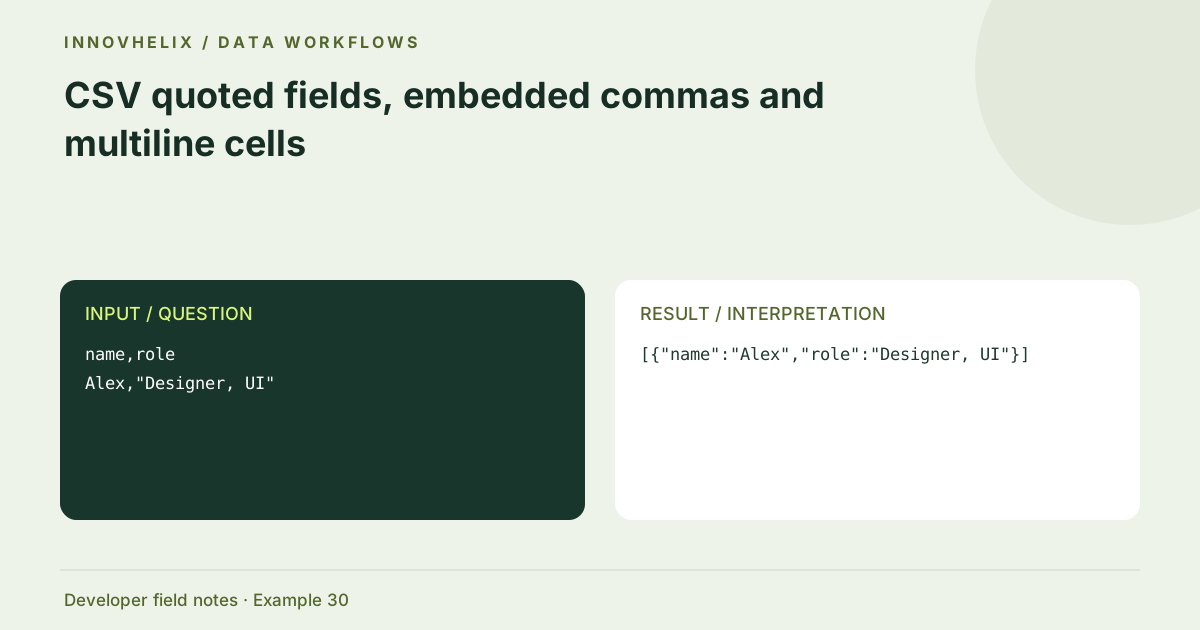
Input or question
name,role
Alex,"Designer, UI"
Expected result or interpretation
[{"name":"Alex","role":"Designer, UI"}]An embedded line break is not an extra record
A two-column table can have a row whose note is a quoted value containing LF. The parsed result still contains one object for that logical row, with a newline inside note. Counting physical lines before parsing would overestimate the record count. Include one ordinary row after it to verify that the parser exits quoted state at the correct point and resumes normal row handling. An unclosed quote should fail instead of swallowing every remaining row as one note. When reporting a width error after such a cell, distinguish the logical record number from the text editor’s line number. That avoids looking at the wrong part of the source while debugging.
Before you use the result
- Choose the exported delimiter explicitly.
- Include quoted commas and quotes in fixtures.
- Keep headers unique.
- Check logical row width after parsing.
Continue the workflow
Preserve leading zeros and define types when converting CSV to JSON addresses avoid implicit csv type coercion. Build synthetic test fixtures that retain the bugs you need to reproduce addresses create safe representative developer fixtures.
Technical reference
Consult RFC 4180 CSV reference for the relevant underlying behavior or concept. Test the exact runtime used by your application when engine compatibility matters.
Corrections are welcome through Contact & feedback. Read our editorial policy for scope and limitations.