JSON minification vs HTTP compression: choose the right optimization
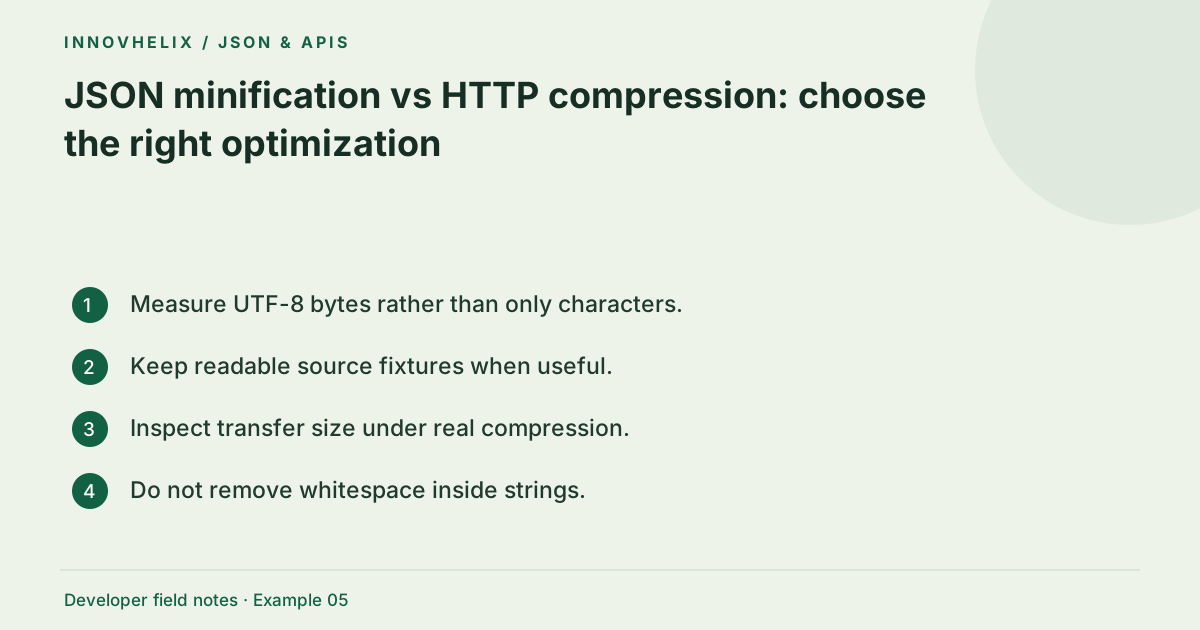
Minification removes optional whitespace from JSON; transport compression encodes repeated byte patterns more efficiently. They solve different problems and are often confused when developers compare payload sizes. Use minification for compact text where appropriate, and measure the actual encoded response when assessing network cost. A smaller uncompressed file is not automatically the biggest performance win.
Try the JSON Formatter & Validator with the synthetic example below. Processing stays in your browser; the guide explains what the result can and cannot establish.
Decision reference
| Case | Meaning or choice | What to do with it |
|---|---|---|
| Minification | Removes structural whitespace | Client-side formatter can do this |
| Compression | Encodes repeated bytes | Configured in hosting/server layer |
| Caching | Avoids repeated transfers | Requires correct HTTP semantics |
| Field selection | Reduces actual data | Requires an API design decision |
Measure more than the visible character count
Character count is not always byte count, especially with non-ASCII text. Use UTF-8 bytes to measure the serialized body, and use browser network tools to inspect transferred size separately from decoded resource size. Headers, compression settings and caches all affect real traffic. Record the test environment rather than comparing a local string length with a production request total.
What minification removes
JSON.stringify with zero indentation removes formatting spaces and line breaks while preserving spaces inside strings. It may also normalize the representation through parsing. Hand-removing every whitespace character breaks values such as "New York". A parser-based operation is safer for syntax but carries the precision and duplicate-key caveats discussed in our formatting guide. Preserve originals when byte-level fidelity matters.
What compression exploits
Compression operates on the byte stream and can reduce repeated key names and other recurring patterns. Pretty-printed whitespace is itself repetitive, so its compressed overhead can be much smaller than its raw size suggests. Actual results depend on the payload, compression level and protocol configuration. Do not claim a universal percentage saving; compare representative responses with your own deployment settings.
Choose a development representation
Readable JSON helps reviews and incident diagnosis. Keeping fixtures indented in source control can make changes easier to inspect, while a build or response layer sends compact data where needed. A giant minified fixture is hard to diff. The best choice may be different for an example in documentation, a signed request and a cached API response. State which artifact you are optimizing.
Avoid premature caching mistakes
Optimizing the body is not a substitute for correct cache controls and appropriate response fields. Excluding unnecessary records may save more than removing whitespace. Compression also has processing costs and security considerations that depend on the endpoint. Evaluate those in your application context rather than applying a universal setting. This tool only formats text; it cannot observe your server compression or guarantee faster delivery.
Worked example: whitespace vs string content
Use this exact sample to isolate the behavior discussed above. Keep the operation and options with the sample when reporting a result; changing the input representation can change what the test demonstrates.
Input or question
{
  "city": "New York",
  "count": 2
}
Expected result or interpretation
{"city":"New York","count":2}A repeated-key payload reveals the different effects
Imagine an array of 100 small records with the same name, role and active keys. Minification removes indentation and line breaks, but every repeated key remains in the compact text. Compression can exploit those repeated byte patterns. A second payload containing mostly unique random-looking strings may compress differently even at the same raw size. Compare both under the same transport settings instead of assuming one saving percentage applies to every response. Keep the record count constant during the measurement. If one version also removes half the records, the result no longer isolates whitespace or compression and should be reported as a separate response-shape optimization.
Design a fair payload measurement
Create a representative response rather than a tiny handpicked object. Include repeated keys, realistic arrays and non-ASCII values if those occur in production. Save pretty and compact versions derived from the same semantic payload. Measure UTF-8 byte size for each, then compare actual transferred sizes under the hosting configuration used for the endpoint. Report decoded size and transfer size as separate measurements. Do not mix a cached request with an uncached one and attribute the difference to whitespace.
Repeat the measurement for typical and large responses, because compression benefits depend on repetition and payload length. Keep latency and processor cost in a separate column if you are evaluating a real performance change. A transformation that saves bytes can still complicate debugging or consume resources elsewhere. Avoid hard-coding a universal percentage into documentation. If the main problem is returning unnecessary fields, redesign the response shape or pagination before polishing indentation. For documentation examples, favor readability unless compact representation is the point being demonstrated. This gives developers an accurate mental model: minification changes the textual artifact, compression changes transport representation, and caching can eliminate a transfer entirely. The formatter controls the first of those only.
Verification cases
- String containing New York: The internal space must survive minification.
- Pretty vs compact UTF-8 bodies: Measure bytes separately from transfer compression.
- Cached response: Do not attribute avoided transfer to minification.
Before you use the result
- Measure UTF-8 bytes rather than only characters.
- Keep readable source fixtures when useful.
- Inspect transfer size under real compression.
- Do not remove whitespace inside strings.
Continue the workflow
Format JSON without accidentally changing your data addresses safely pretty-print an api payload. A practical JSON API debugging workflow addresses trace an api payload failure.
Technical reference
Consult MDN browser API reference for the relevant underlying behavior or concept. Test the exact runtime used by your application when engine compatibility matters.
Corrections are welcome through Contact & feedback. Read our editorial policy for scope and limitations.