Fix common JSON syntax errors with a small debugging loop
An invalid JSON message is often less mysterious than its parser error suggests. A misplaced quote can make the parser complain several characters later. The fastest repair loop is to identify the first failure, inspect the surrounding token and make one edit at a time. This guide distinguishes syntax errors from valid data that still violates an application contract.
Try the JSON Formatter & Validator with the synthetic example below. Processing stays in your browser; the guide explains what the result can and cannot establish.
Worked example: trailing comma repair
Use this exact sample to isolate the behavior discussed above. Keep the operation and options with the sample when reporting a result; changing the input representation can change what the test demonstrates.
Input or question
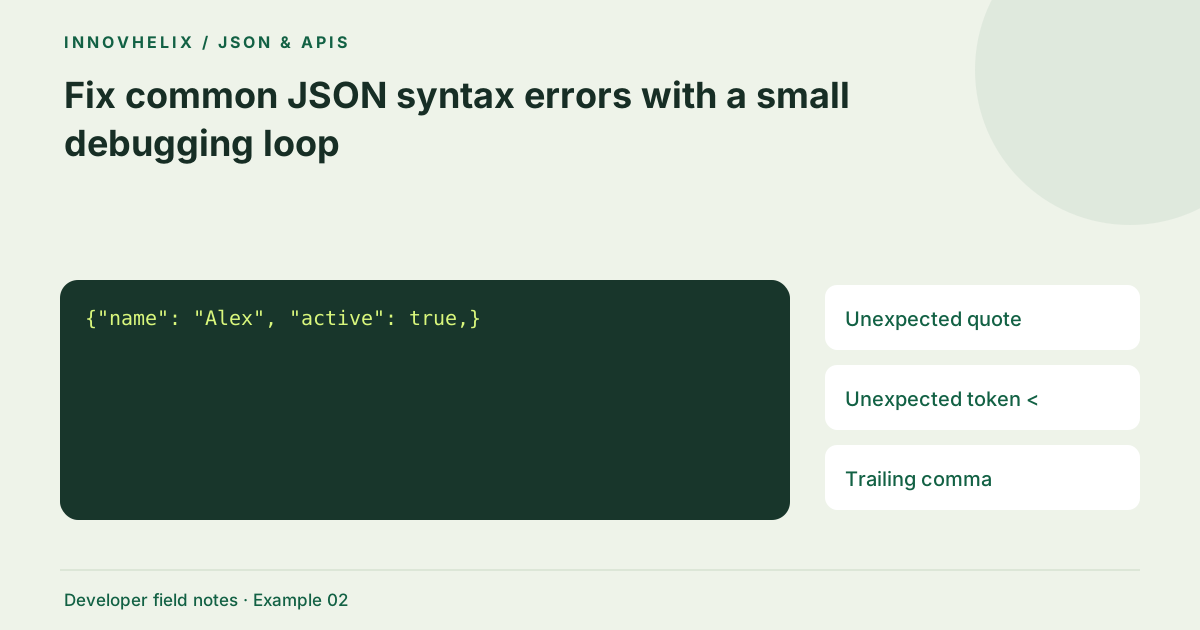
{"name": "Alex", "active": true,}Expected result or interpretation
{"name": "Alex", "active": true}A Windows path needs escaped backslashes
Consider an intended path with the characters C, colon, backslash, temp, backslash and file.txt. In JSON source, the backslashes need escaping, so each single path backslash is written twice in the JSON source representation. A manually typed single backslash before t is a tab escape, and a backslash before f is a form-feed escape. The document may parse but contain control characters instead of the intended path. Construct the value in application code and serialize it rather than guessing the escapes. After parsing, inspect character codes or an escaped preview. This demonstrates why syntax success alone does not establish that a string contains the characters you meant to send.
Check the boundaries first
Confirm that you copied only the JSON body. A response beginning with an HTML error page, a status line or a Markdown fence is not JSON. A string such as "{\"ok\":true}" is valid JSON too, but its top-level value is a string rather than an object. Do not strip quotes indiscriminately; determine whether the API intentionally returned encoded text before deciding to parse a second time.
Use double quotes in the right places
JSON object keys and string values require double quotes. Single-quoted JavaScript literals are not interchangeable with JSON. An apostrophe inside a double-quoted value is ordinary text and needs no escape. A double quote inside that value must be escaped. If a user name contains quotes, generate the payload with JSON.stringify rather than replacing every quote manually. Manual replacements tend to break existing escapes.
Remove syntax that belongs to JavaScript
Strict JSON does not accept comments, trailing commas, undefined, NaN or Infinity. A configuration language may permit some of these, but that makes it a different input format. Do not remove comments using a broad regular expression: URLs and strings can contain slash characters. Convert using a parser for the actual source language, then serialize the resulting value as JSON.
Work near the first reported position
Browser engines phrase JSON errors differently. A position identifies where the parser could no longer continue, not necessarily the character that caused the problem. Look just before it for an unfinished string, missing comma or extra closing bracket. Isolate a small region while keeping its surrounding braces valid. Fixing ten things at once makes it harder to learn which change restored the intended structure.
Separate validity from correctness
Once the formatter accepts the payload, check required fields and types against your API documentation. The value {"count":"2"} is valid JSON, but count is a string. The value null is valid too, though an endpoint may require an object. Syntax validation does not check a JSON Schema, authenticate a response or verify business rules. A passing formatter result is the beginning of data inspection, not the final approval of a request.
Build a failing fixture that teaches the repair
Keep a pair of files for a syntax defect: the smallest invalid source and the intended valid result. Name the reason for failure, such as trailing comma or unescaped quote. A fixture with one defect makes the result interpretable; a fixture with several unrelated errors only demonstrates that parsing stopped somewhere. Once the repair is understood, add a separate contract test if the consuming endpoint expects a particular top-level type or property.
Do not write a preprocessor that makes arbitrary invalid text parse unless the source format genuinely requires conversion. A broad substitution from single quotes to double quotes damages apostrophes and escaped content. Removing every comma before a brace can also alter quoted strings if the operation is not syntax-aware. The better long-term repair is usually at the producer: serialize the actual value with a supported library and send the documented media type. When the source is JSON5 or another configuration language, use a parser for that format and label the conversion honestly. Strict JSON validation should retain its narrow meaning. This also helps users distinguish a useful error from an interface that silently changes their input.
Verification cases
- Single-quoted key: Reject as strict JSON.
- Literal true: Accept syntax; check required top-level type separately.
- HTML error page: Inspect the HTTP response rather than editing JSON punctuation.
Decision reference
| Case | Meaning or choice | What to do with it |
|---|---|---|
| Unexpected quote | Unescaped double quote | Serialize the source string |
| Unexpected token < | HTML response body | Check status and content type |
| Trailing comma | Comma before } or ] | Remove the final comma |
| Valid but rejected | Contract/type mismatch | Inspect API schema |
Before you use the result
- Check whether the response is actually JSON.
- Repair only the first error before running again.
- Keep strings quoted and booleans unquoted.
- Test required fields separately from syntax.
Continue the workflow
Format JSON without accidentally changing your data addresses safely pretty-print an api payload. JSON vs JavaScript object literals: what can cross the boundary? addresses distinguish json text from javascript syntax.
Technical reference
Consult MDN browser API reference for the relevant underlying behavior or concept. Test the exact runtime used by your application when engine compatibility matters.
Corrections are welcome through Contact & feedback. Read our editorial policy for scope and limitations.