JSON vs JavaScript object literals: what can cross the boundary?
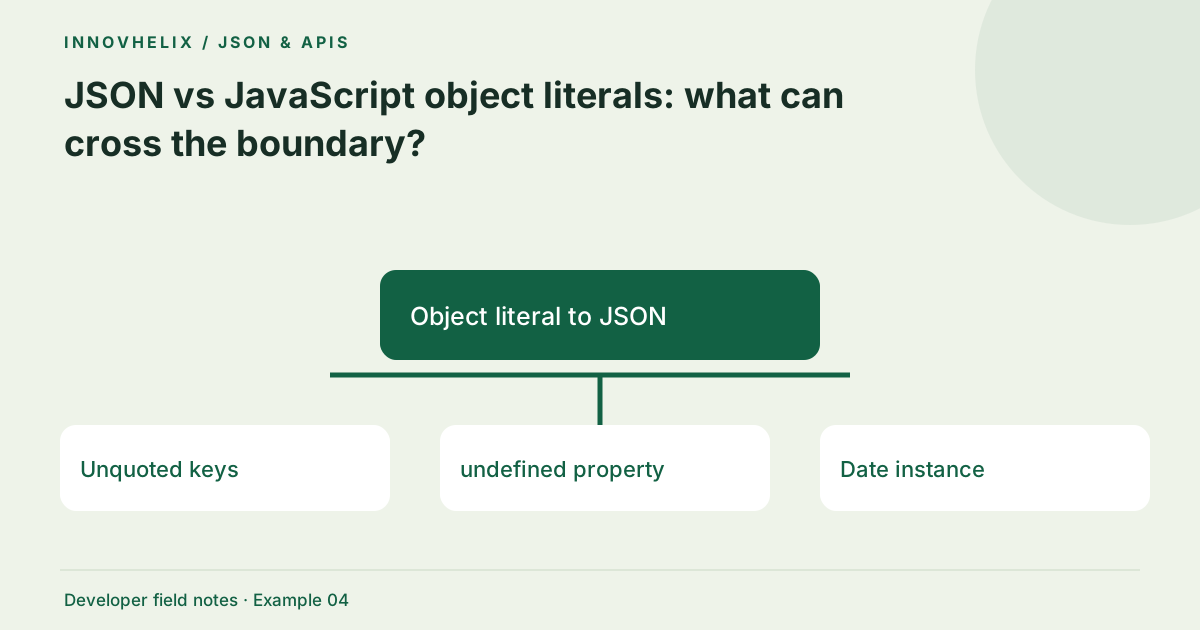
JSON is a text format. A JavaScript object is a runtime value, and an object literal is code used to construct one. Confusing those three things leads to broken API fixtures and unsafe attempts to execute input. The practical question is whether a representation can travel between systems without depending on the JavaScript engine that produced it.
Try the JSON Formatter & Validator with the synthetic example below. Processing stays in your browser; the guide explains what the result can and cannot establish.
Decision reference
| Case | Meaning or choice | What to do with it |
|---|---|---|
| Unquoted keys | JavaScript only | Quote them for JSON |
| undefined property | Omitted by stringify | Use null only if contract permits |
| Date instance | Serialized as a string | Parse deliberately in consumer |
| Function | Not JSON data | Send behavior identifiers instead |
Know what JSON can represent
JSON supports objects, arrays, strings, numbers, true, false and null. Objects have string keys; arrays retain their sequence. A top-level value does not have to be an object. Strings use double quotes and support defined escapes. There is no function, Date class instance, symbol or undefined value in the format. An API can document conventions for dates and IDs, but those conventions sit above JSON syntax.
Recognize code-only conveniences
JavaScript permits unquoted property names in many object literals, single quotes, shorthand properties, methods and computed keys. Those conveniences are resolved by the language runtime. Pasting {name: "Alex"} into a JSON validator fails because name is not quoted. Avoid using eval to make pasted input work: that turns a data operation into code execution and changes the security boundary completely.
Understand serialization omissions
JSON.stringify omits undefined-valued object properties and functions. In arrays, unsupported values may become null, changing the interpretation of a positional record. NaN and Infinity serialize as null. Circular references cause an error, and BigInt cannot be serialized by default without a deliberate conversion strategy. A successful serialization can therefore lose information even before a formatter touches the string.
Make dates and types explicit
A Date normally serializes to an ISO string through its toJSON behavior. Parsing that text does not recreate a Date automatically. If your consumer expects a date, validate the documented format and convert explicitly. The same applies to sets, maps and binary data: design a representation and document it. Do not rely on incidental console output as a portable exchange format.
Create fixtures with the serializer
When you already have a safe runtime value, JSON.stringify is preferable to hand-building strings with concatenation. It handles quoting and backslashes consistently. Then inspect the serialized output for omitted properties and transformed values. Use the formatter as a second check for readability, while keeping type-aware integration tests to verify that the receiving application reconstructs the intended meaning.
Worked example: object literal to json
Use this exact sample to isolate the behavior discussed above. Keep the operation and options with the sample when reporting a result; changing the input representation can change what the test demonstrates.
Input or question
{name: "Alex", enabled: true, note: undefined}Expected result or interpretation
{"name":"Alex","enabled":true}Missing and null are separate contract cases
Compare {"nickname":null} with {}. Both are valid JSON objects, but one explicitly carries a null value and the other omits the property. A profile-update endpoint may interpret null as clearing a value and absence as leaving it unchanged. That behavior belongs to the API contract, not JSON itself. When application state contains nickname: undefined, ordinary serialization omits it and can therefore change which update operation is requested. Test both bodies against the endpoint’s documented semantics. Do not replace every undefined with null as a generic cleanup. A deliberate serializer for the update model should preserve the distinction that the application needs.
Make serialization losses visible in tests
Use a fixture containing values that are common in application state but absent from JSON: an undefined property, a Date and a function. Serialize it in code you control, inspect the exact text and parse that text back. Compare the reconstructed value with the original at the level your application needs. A deep comparison may reveal losses that a console preview obscures. Do not ask a formatter to restore a function or class instance that never existed in the serialized format.
When designing an exchange contract, replace implicit runtime behavior with explicit fields. A date can be a documented ISO string, a set can be an array with defined uniqueness rules, and a binary value can carry an agreed encoding label. Consumers should validate those conventions rather than guess them from appearance. If a field can be absent, distinguish that from an explicit null according to the API’s semantics. This makes failures easier to explain across languages. It also keeps data parsing separate from executing code. A copied object literal should be converted through a trusted development workflow, not evaluated as untrusted input merely to make a website accept it. That boundary is part of the product’s behavior, not an inconvenience to bypass.
Verification cases
- Object property set to undefined: Usually omitted by JSON.stringify.
- Array element set to undefined: Serializes as null in that position.
- Date object: Becomes a string; parsing does not recreate its class.
Before you use the result
- Identify whether your input is code or text.
- Never execute unknown input to validate it.
- Inspect values that stringify transforms.
- Document date and binary conventions.
Continue the workflow
Fix common JSON syntax errors with a small debugging loop addresses diagnose invalid json. JSON numbers, large IDs and JavaScript precision addresses avoid corruption of large numeric identifiers.
Technical reference
Consult MDN browser API reference for the relevant underlying behavior or concept. Test the exact runtime used by your application when engine compatibility matters.
Corrections are welcome through Contact & feedback. Read our editorial policy for scope and limitations.